If you’re an Xfinity customer, you’ve probably heard the term “xFi Complete” thrown around. It sounds impressive, but what does it actually mean for your home internet? Is it just another upsell, or is it a genuinely useful upgrade? Having navigated the world of internet plans and add-ons for years, I’ve seen services come and go. Let’s break down xFi Complete in simple terms, so you can figure out if it’s the right fit for your household.
In short, xFi Complete is Xfinity’s premium add-on service designed to boost your standard internet plan. It bundles several key features together, aiming to provide faster, more reliable, and more secure Wi-Fi throughout your entire home. Think of it as an all-in-one package to solve common internet frustrations like data caps, dead zones, and security worries.
Key Features of Xfinity xFi Complete
So, what exactly do you get when you add xFi Complete to your plan? It’s more than just a single feature; it’s a combination of hardware, software, and service perks that work together.
Unlimited Data for Seamless Browsing
One of the biggest draws of xFi Complete is the inclusion of unlimited data. Many standard Xfinity plans come with a 1.2 TB data cap. For most people, that’s plenty. But if you have a house full of streamers, gamers, or remote workers, you might be surprised how quickly you can burn through that data.
Constantly checking your data usage to avoid overage fees is stressful. With unlimited data, that stress disappears. You can stream 4K movies, download large game files, and have multiple video calls running at once without ever worrying about a surprise on your bill. From my experience, this feature alone is a game-changer for data-hungry families.
Whole-Home Wi-Fi Coverage
“My Wi-Fi doesn’t reach the back bedroom!” This is one of the most common internet complaints I hear. Wi-Fi signals can be weakened by walls, floors, and even large appliances. xFi Complete addresses this by promising strong, consistent coverage throughout your home.
If the main gateway isn’t enough to cover your entire space, the service includes an xFi Pod at no extra cost if needed. These small devices plug into a wall outlet and act as Wi-Fi extenders, creating a mesh network that blankets your home in a reliable signal. The system intelligently routes your device’s connection to the strongest signal source, so you can move around without losing connection.
Advanced Security Features
In an age of constant cyber threats, network security is more important than ever. xFi Complete includes Advanced Security, a feature that automatically protects every device connected to your Wi-Fi network. You don’t have to install any extra software.
This service monitors your network in real-time, blocking suspicious activity and preventing you from accidentally visiting malicious websites. It also protects your smart home devices—like cameras, thermostats, and smart speakers—which are often vulnerable targets for hackers. It provides peace of mind knowing there’s a layer of protection watching over your entire digital life.
Wi-Fi 6 Technology
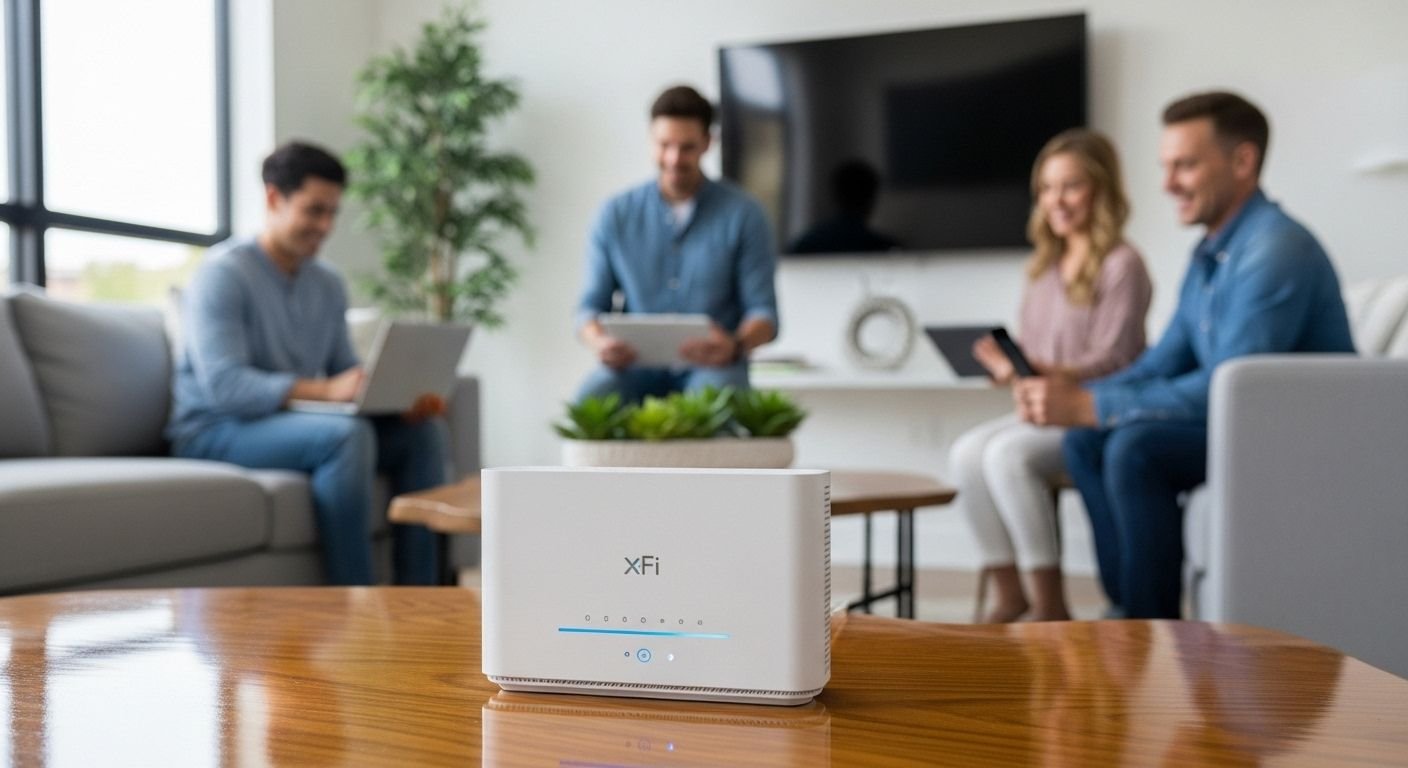
The hardware you get with xFi Complete is a big part of the upgrade. The included xFi Gateway is a powerful modem-router combo that supports Wi-Fi 6, the latest generation of Wi-Fi technology.
Wi-Fi 6 isn’t just about faster top speeds. Its real strength is efficiency. It’s designed to handle dozens of connected devices at once without slowing down. In a modern home filled with phones, laptops, tablets, smart TVs, and more, this reduces network congestion and ensures every device gets the bandwidth it needs. The result is a smoother, more responsive internet experience for everyone.
xFi Gateway Modem and Router
The xFi Gateway is the heart of the service. Combining the modem and router into a single unit simplifies your setup and reduces clutter. More importantly, it ensures the hardware is perfectly optimized for the Xfinity network. The Gateway automatically receives software updates, so its performance and security are always improving. This integrated approach helps deliver the best possible performance from your internet plan.
Pricing and Plan Options
Let’s talk about the cost. Understanding the price is crucial to deciding if the service offers good value for you.
How Much Does xFi Complete Cost?
Typically, xFi Complete is offered as a monthly add-on to your existing Xfinity internet plan. The price is usually around $25 per month, but this can sometimes vary based on your location or current promotions. This fee includes the rental of the xFi Gateway, the unlimited data plan, and the advanced security features.
Keep in mind that if you were already renting a gateway from Xfinity (which often costs around $15/month) and paying for unlimited data separately (which could be $30/month), bundling them into xFi Complete can actually save you money.
Is xFi Complete Worth It?
This is the million-dollar question. The answer depends entirely on your internet usage.
If you consistently go over your 1.2 TB data cap, the value is clear; it’s often cheaper than paying overage fees. If you live in a large home with Wi-Fi dead zones, the included xFi Pod and whole-home coverage can solve a major headache. For households with many users and smart devices, the combination of a Wi-Fi 6 gateway and advanced security offers significant performance and safety benefits.
However, if you’re a light internet user in a smaller apartment and rarely approach your data limit, the extra monthly cost might not be justified.
How to Set Up Xfinity xFi Complete
Getting started with xFi Complete is designed to be user-friendly. Xfinity has streamlined the process so that most people can do it themselves without needing a technician.
Step-by-Step Installation Guide
When you sign up, Xfinity will ship you an xFi Gateway. The setup is straightforward:
- Connect the Cables: Find the main coaxial cable outlet in your home and connect it to the gateway. Then, plug the power cord into the gateway and a wall outlet.
- Wait for the Light: The gateway will power on and begin connecting to the network. This can take a few minutes. You’re waiting for the status light to become solid white, which means it’s ready.
- Use the App: Download the Xfinity app on your smartphone. It will automatically detect the new gateway and guide you through the activation process. You’ll name your Wi-Fi network and set a password.
The app-based setup is a huge improvement over the old days of calling customer support. It’s intuitive and gets you online quickly.
Tips for Optimizing Your Home Network
To get the best performance, where you place your gateway matters.
- Find a Central Spot: Place the gateway in a central, open location in your home, preferably on a main floor. Avoid putting it in a closet, basement, or behind furniture.
- Keep it Upright: The device is designed to be positioned vertically for proper ventilation and signal broadcasting.
- Add Pods Strategically: If you need to use an xFi Pod, place it halfway between the gateway and the Wi-Fi dead zone. Don’t put it in the dead zone itself, as it needs a good signal to extend.
Frequently Asked Questions About xFi Complete
Here are answers to some of the most common questions people ask about the service.
Do I need to upgrade my equipment?
If you sign up for xFi Complete, you will need to use the provided xFi Gateway. This is because the service’s features, like Advanced Security and the Wi-Fi 6 technology, are tied directly to this specific hardware. If you are already renting a compatible gateway from Xfinity, you may not need a new one, but if you own your own modem and router, you will have to switch to the xFi Gateway.
Is xFi Complete the same as xFi?
No, they are different. xFi is the software platform that allows you to manage your home Wi-Fi network through the Xfinity app. It’s available to any Xfinity Internet customer who rents a compatible gateway. xFi Complete is the premium service bundle that includes gateway rental, unlimited data, Advanced Security, and whole-home coverage.
What is the difference between xFi Complete and getting unlimited data?
You can add an unlimited data option to your plan separately, but it’s often more expensive than just getting xFi Complete. The Complete bundle includes unlimited data plus the gateway rental, advanced security, and the potential for a free xFi Pod. It bundles several services for a more comprehensive value.
Can I use my own router with xFi Complete?
While you must use the provided xFi Gateway as your modem, you can enable “Bridge Mode” on the gateway. This turns off its built-in router functionality and allows you to connect and use your own personal Wi-Fi router. However, doing this may disable some features like the xFi Pods and Advanced Security, which are integrated with the gateway’s routing functions.
Final Thoughts: Is Xfinity xFi Complete Right for You?
After looking at all the features, benefits, and costs, the decision comes down to your specific needs. xFi Complete is a powerful, all-in-one solution for modern, connected homes. It effectively tackles the most common internet pain points: data limits, poor coverage, and security vulnerabilities.
For power users, large families, and anyone living in a smart home, the value is undeniable. The peace of mind from unlimited data and robust security, combined with the performance boost of a Wi-Fi 6 gateway, creates a superior internet experience.
If you’re a casual user who lives in a small space and never worries about data caps, it may be an unnecessary expense. The best way to decide is to evaluate your current internet frustrations. If xFi Complete solves them for a reasonable monthly fee, it’s an upgrade worth considering.